Finish the current print.
Print your prepared job on the Bambu Lab A1.

Black Friday Sale
Sitewide. Upgrade your setup and save on every product.
Free shipping on every order
October 22–November 30, 2026 · Ends 23:59
No code needed. Applied at checkout. Cannot be combined with other discount codes.

A finished print can leave your A1 waiting for you. SwapMod reduces manual plate changes between prepared repeat jobs.
Print your prepared job on the Bambu Lab A1.
Prepared printer movements activate SwapMod to move the finished plate and load a fresh one.
Use the appropriate repeat-print file or supported job workflow. Setup guides help you prepare and test your first batch.
Correct installation, compatible plates and prepared files are required. Start with a supervised plate-change test.
See the mechanism in action, then compare what is included in each kit.
Compare the available SwapMod options and check exactly what is included. Print files, assembly packs and additional build plates serve different needs.
DIY options require you to print parts and assemble the mechanism. Check the selected variant before ordering.
ASWAP Studio is our printer-management and job-workflow software. It is currently in beta and is being improved through real-user testing.
See the download page for the current release, supported platform and testing notes.
Have questions about compatibility, assembly or your first print?
Talk to Innocube3D supportBefore and after your order
Choose your kit, get help with setup, and come back to the same team for parts and expansion.
Tell us your A1 setup and whether you already have extra plates. We will help you choose the right kit.
Ask before buyingFollow the assembly and plate-loading guides. If something gets stuck, send your order number and a short video.
Open setup guidesFor a replacement part or another printer, contact us with your existing configuration so we can help you choose compatible parts.
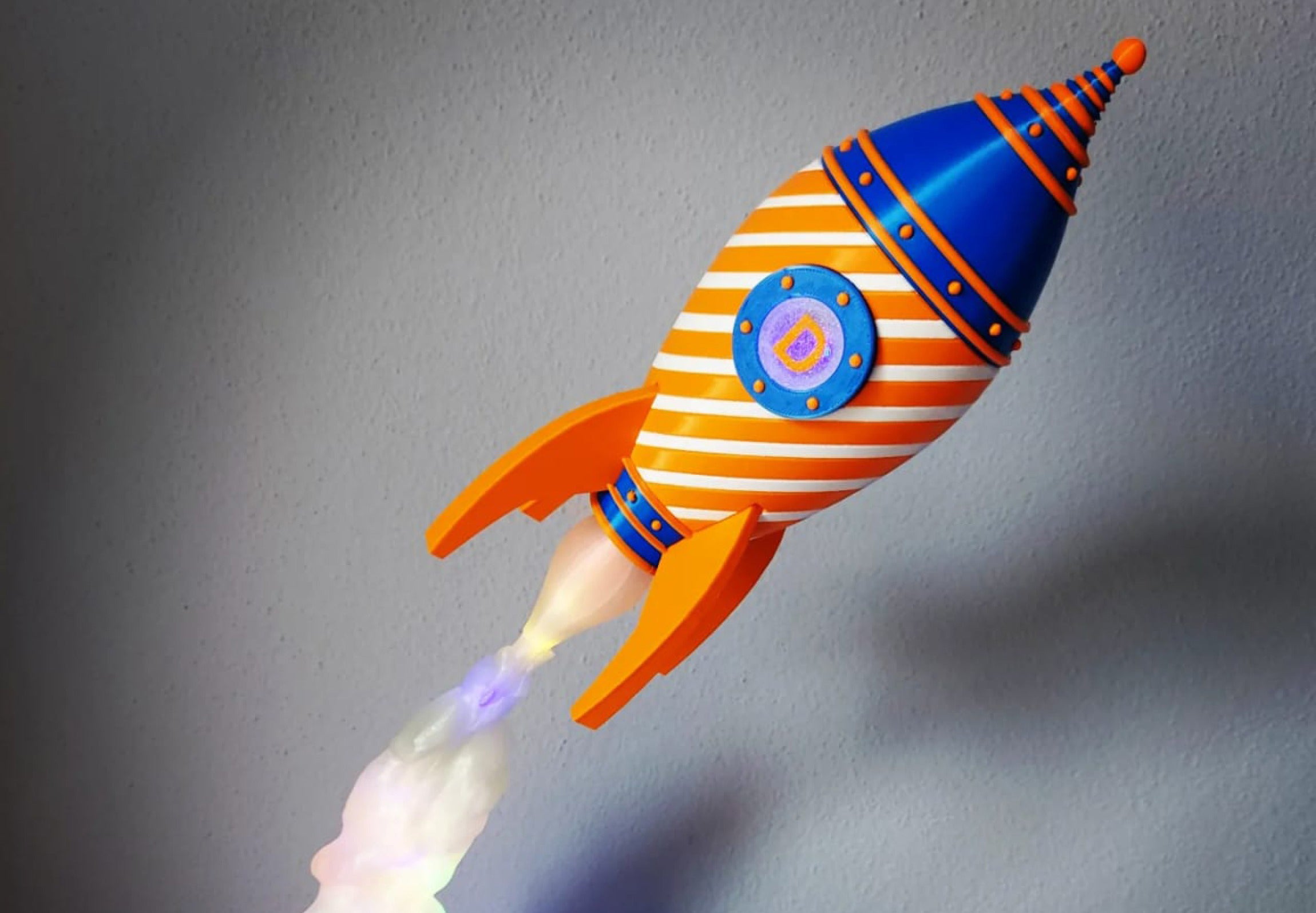
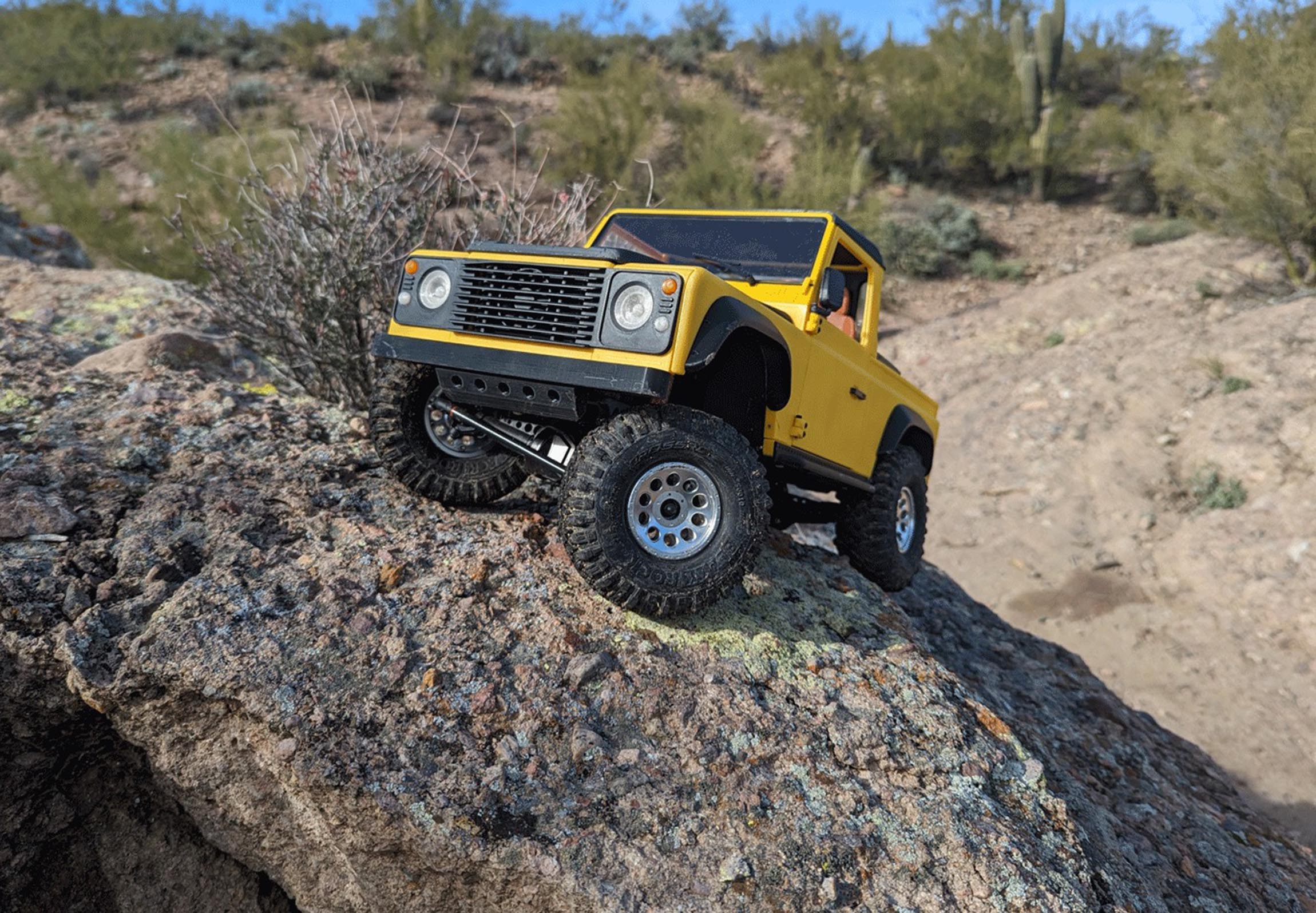
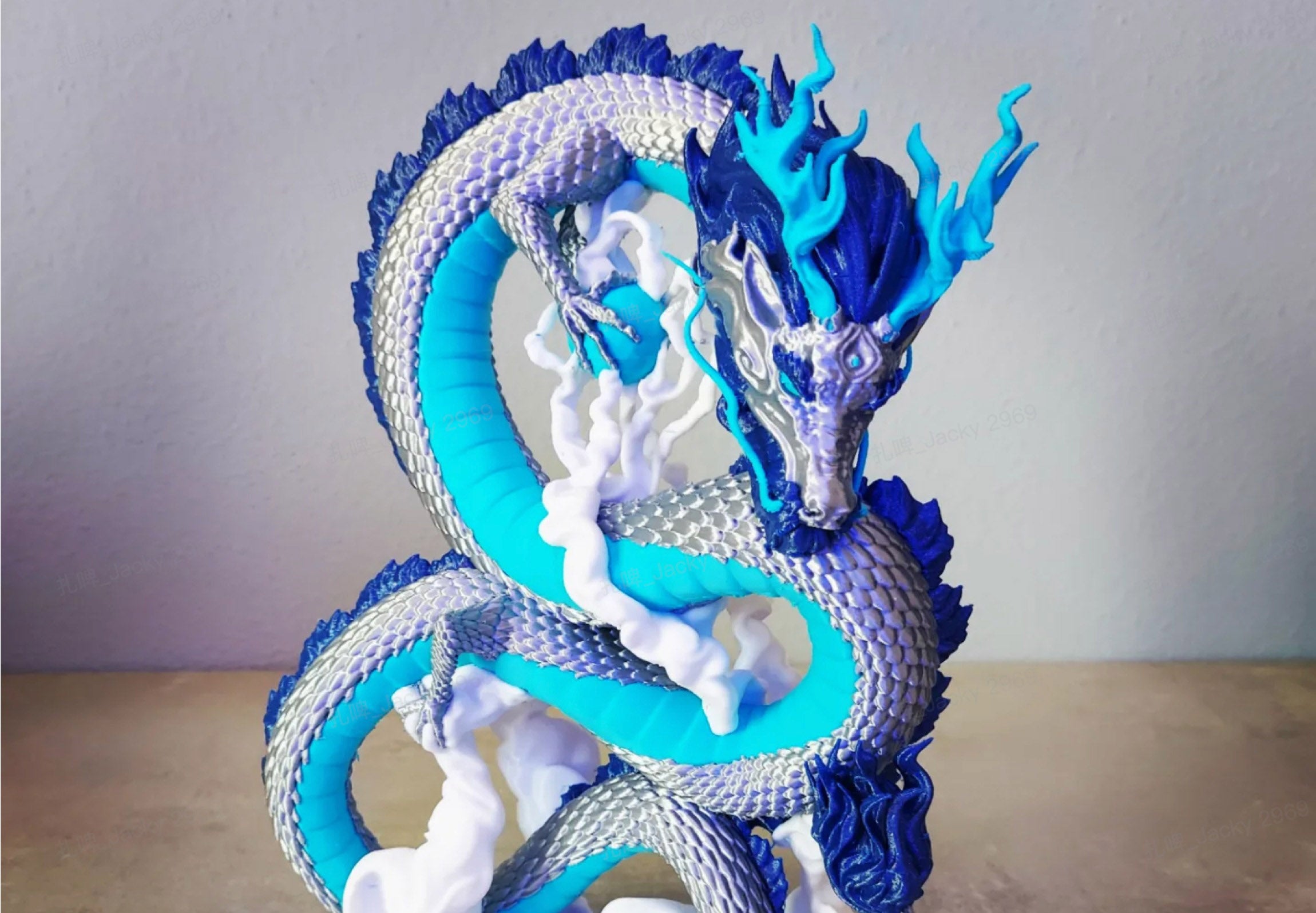
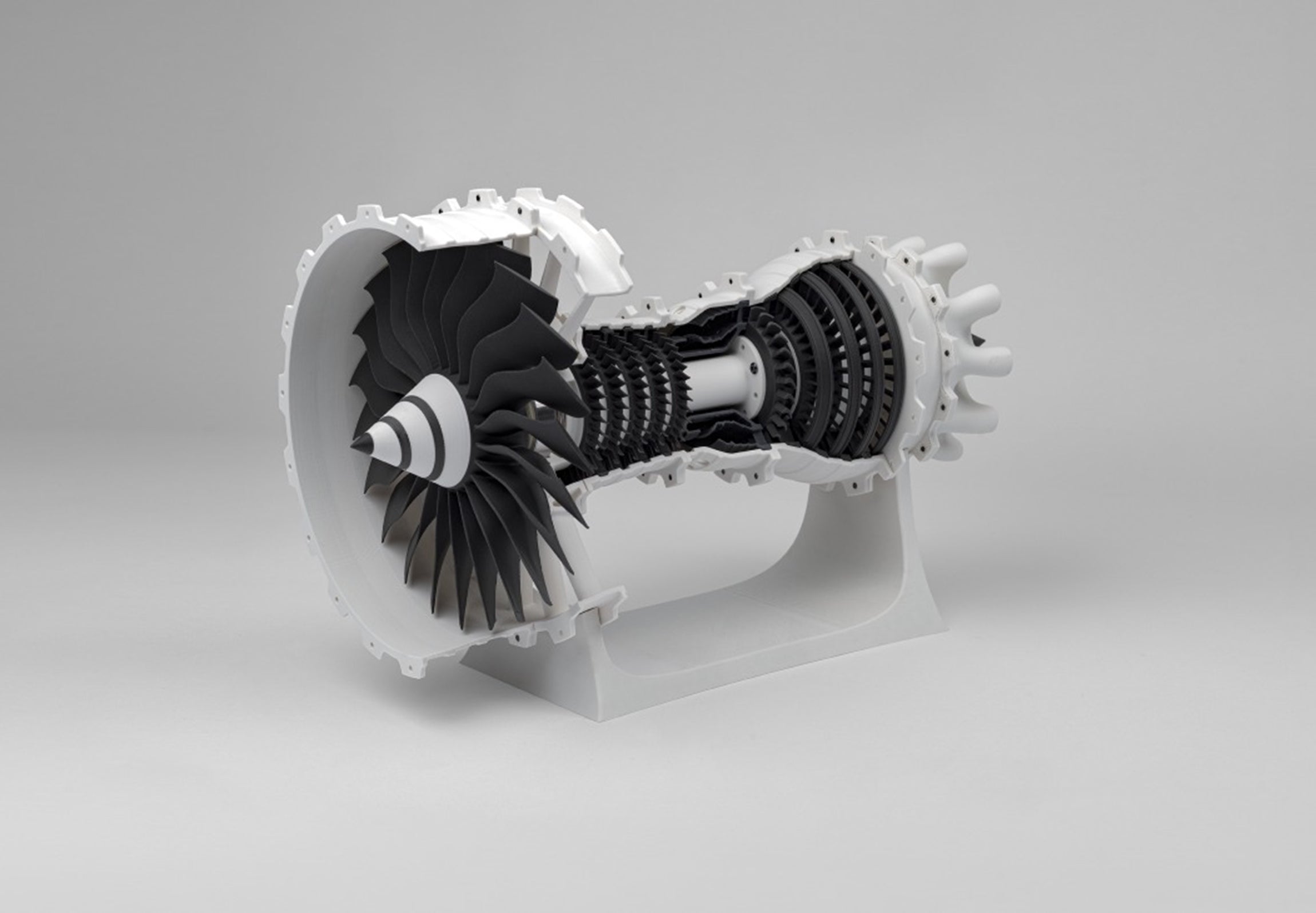
Get parts & supportInnocube3D Lab Gallery
Share your prints on social media with
#Innocube3D or #Innocube for a chance to be seen here.
Thanks for subscribing!
This email has been registered!